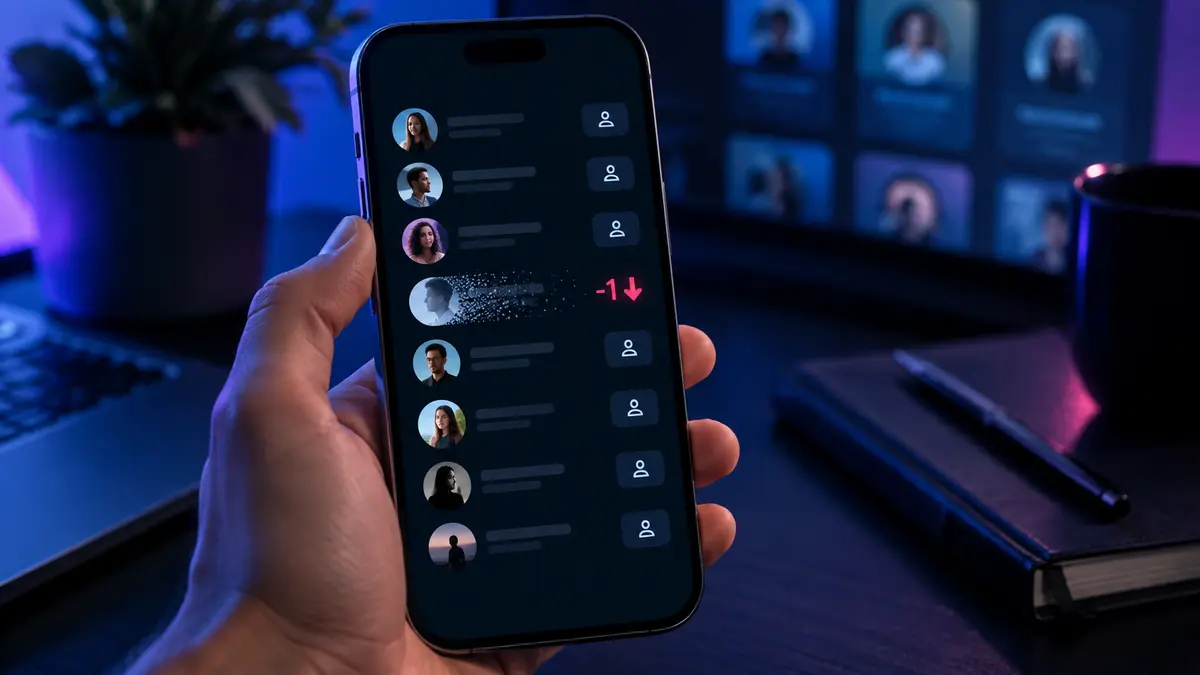
Your follower count was 1,204 yesterday. Today it is 1,203. Instagram confirms that something changed, but it does not tell you who left. That small gap is exactly why searches for how to see who unfollowed you on Instagram often end at tracker apps, copied viewer sites and promises that sound far more precise than they really are.
The honest answer is simpler: Instagram has no native unfollower history. You can confirm a person manually, monitor changes you record yourself or compare a list you already own. You do not need to hand a stranger your password to do any of that.
Why Instagram Does Not Show a Recent Unfollowers List
Instagram displays your current follower total and current Followers list. It does not provide a notification, timeline or dashboard naming people who unfollowed you. A lower count tells you that the total changed, but not which account caused the change.
That distinction matters because some changes are not ordinary unfollows. An account may be deactivated, deleted or removed by Instagram. Someone may also block you, which can make the account disappear from your view. A tracker that labels every missing account “unfollowed” can therefore sound more certain than the data allows.
Four Safe Ways to Check Instagram Unfollowers
1. Check a Specific Profile
If one person is already on your mind, this is the quickest check. Open their profile while signed in to your own account and look beneath their bio for the Follows you label. If it is missing, search their exact username in your own Followers list as a second check.
This method is precise for one known account and takes less than a minute. Its limit is scale: manually opening hundreds of profiles is not a sensible way to audit a large audience.
2. Search Your Followers List
Open your profile, select Followers and search for the username. No result means that account is not currently following you. Be careful with display names, which can be shared by several people; the @username is the better identifier.
A missing result confirms the current relationship only. It does not prove when the person left or why. If the username has changed, you may need to locate the current account before drawing a conclusion.
3. Monitor the Count Over Time
For a broad trend, note your follower total at regular intervals. Creators and businesses can also use their authorised account insights to understand audience gains and losses at an aggregate level. This is useful for spotting a pattern after a campaign or content change.
The drawback is built in: a count shows the size of the movement, not the names behind it. If three people leave while two arrive, the visible total falls by only one. Treat the number as a trend signal, not a complete event log.
4. Compare Records You Created Yourself
If you genuinely need named comparisons, keep a dated record of information you are authorised to access and compare it later. This works from the moment you begin collecting the records; it cannot reveal who left before your first snapshot.
Keep the process proportionate. Avoid aggressive automation, respect account privacy and do not republish personal data. For most people, a quick manual check is safer and more useful than building a surveillance spreadsheet.
Why Unfollower Tracker Apps Are a Bad Trade

Tracker apps appear convenient because they promise an automatic list of departures. To build one, however, a service needs earlier follower data to compare with the current list. It cannot accurately recreate changes that happened before it started recording them.
The bigger concern is access. A third-party service should never need your Instagram password, two-factor authentication code, backup code or session cookie. Handing over any of those can expose your account to takeover, spam or unwanted activity.
Can an Instagram Viewer Find Your Unfollowers?
A public Instagram viewer and an unfollower tracker solve different problems. A viewer can make openly available profile information easier to check without logging into Instagram. An unfollower tracker needs at least two records from different times before it can identify a change.
This is where the claims on viewer sites can become confusing. A polished search box does not create access to private profiles, and entering a username does not reveal a hidden history of who followed whom. If the source information is not public or authorised, a legitimate public viewer cannot fetch it.
Where RizzyView Fits
RizzyView is useful when you want a clean, no-login look at information an Instagram profile has made public. It can help you confirm a username or review a public-facing profile without connecting your Instagram credentials.
It is not presented as a private-account bypass or a time machine for unfollows. Private content remains private, and RizzyView cannot tell you who left your own follower list unless that conclusion is visible from information you can legitimately check.
The Useful Lesson from Sites Like StoriesDown
Sites with similar names and nearly identical layouts can make it difficult to know which service you are actually using. Some load public posts; others bury basic features under adverts, redirects or endless loading screens. The brand name is less important than the behaviour you can verify.
Before trusting any Instagram utility, test it with a public account you control. Check whether the tool clearly explains its limits, opens the expected result, avoids surprise downloads and works without account credentials. If it claims to unlock private profiles or reveal past unfollow events from a username alone, the claim does not match how the underlying access works.
A Safer Checklist Before Using Any Instagram Tool
- Use public or authorised data only. A private profile is not an invitation to find a workaround.
- Keep your login private. Never enter your password or authentication code on an unrelated viewer site.
- Expect honest limits. A credible service says what it cannot show as clearly as what it can.
- Watch for redirects. Pop-ups, forced extensions and surprise app downloads are reasons to leave.
- Verify the domain. Look-alike names and copied interfaces can send you to a different operator.
- Protect the account itself. Use a unique password and two-factor authentication through Instagram.
What a Missing Follower Really Means
It is easy to read a missing name as a personal message, but the evidence is narrower: the account does not currently follow you. People clean up their feeds, take breaks, deactivate accounts and change usernames. Instagram can also remove accounts.
For creators, the pattern across many people is usually more useful than one departure. Compare topics, posting frequency and audience retention over several weeks. For personal accounts, a calm direct conversation will often tell you more than another hour spent refreshing a follower list.
The Honest Bottom Line
The safest answer to how to see who unfollowed you on Instagram depends on the scale of the question. Check a suspected person manually, search your Followers list or compare records you created yourself. Instagram does not provide a native history, and no legitimate site can reconstruct one from a username alone.
RizzyView can help with clean, public-only profile checks without asking for your Instagram login. Keep that boundary clear, skip credential-hungry tracker apps and treat private accounts as private.
Frequently Asked Questions
Does Instagram tell you who unfollowed you?
No. Instagram does not provide a native list or notification naming recent unfollowers. You can confirm a suspected account manually or compare follower records you created yourself.
How can I check whether one person unfollowed me?
Open the person’s profile and look for the “Follows you” label. You can also search their exact username in your Followers list. If both checks are negative, they are not currently following you.
Are Instagram unfollower tracker apps safe?
Be cautious. Any tracker requesting your password, authentication code or session cookie creates unnecessary account risk. A public viewer does not need those credentials to display public information.
Can RizzyView show a private account’s followers?
No. RizzyView works with public-facing information and does not bypass Instagram privacy settings. Protected content and connections remain subject to Instagram’s access controls.
Can I see who I recently unfollowed on Instagram?
Instagram does not provide a built-in history of accounts you unfollowed. Your Following list shows the accounts you follow now, not a dated record of past removals.